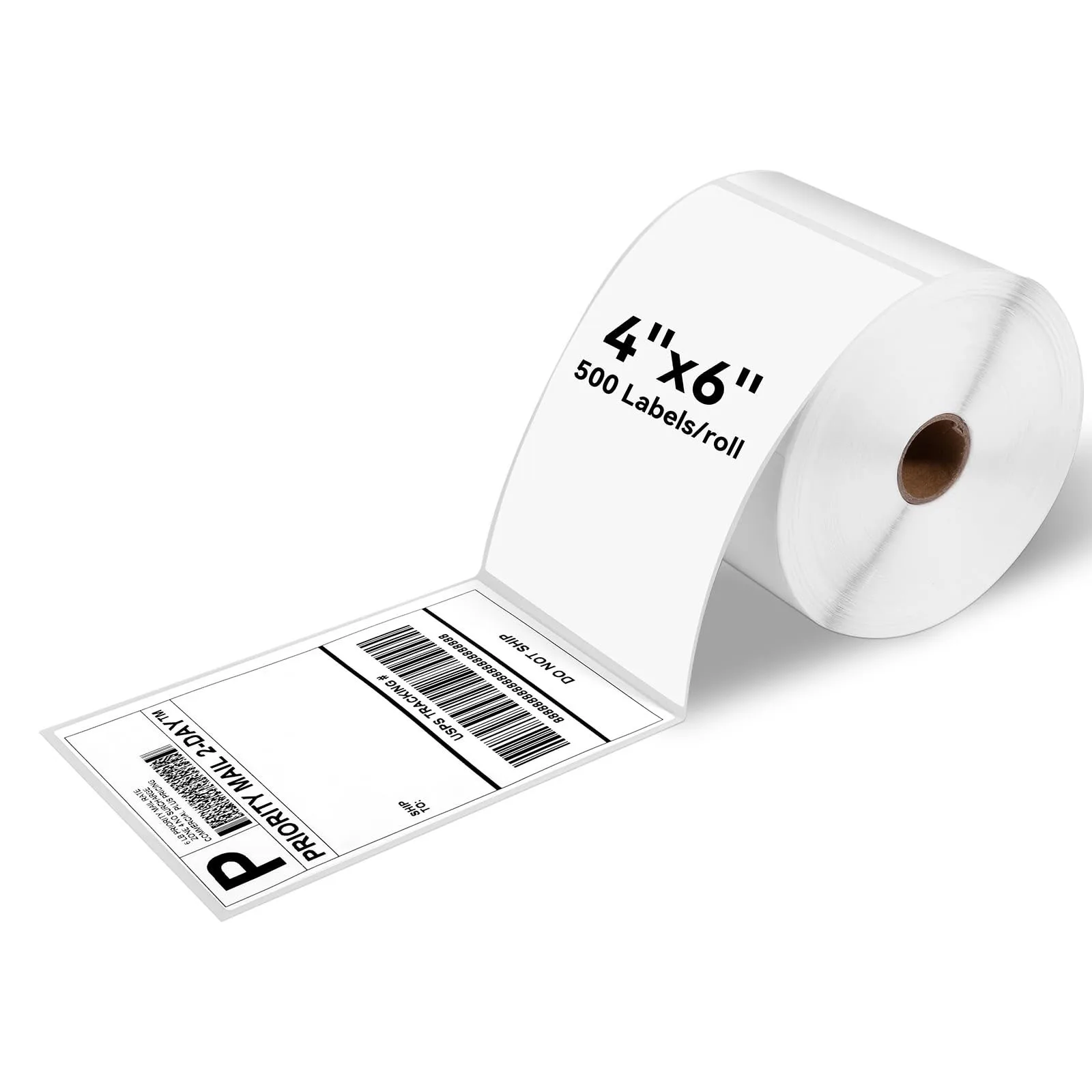
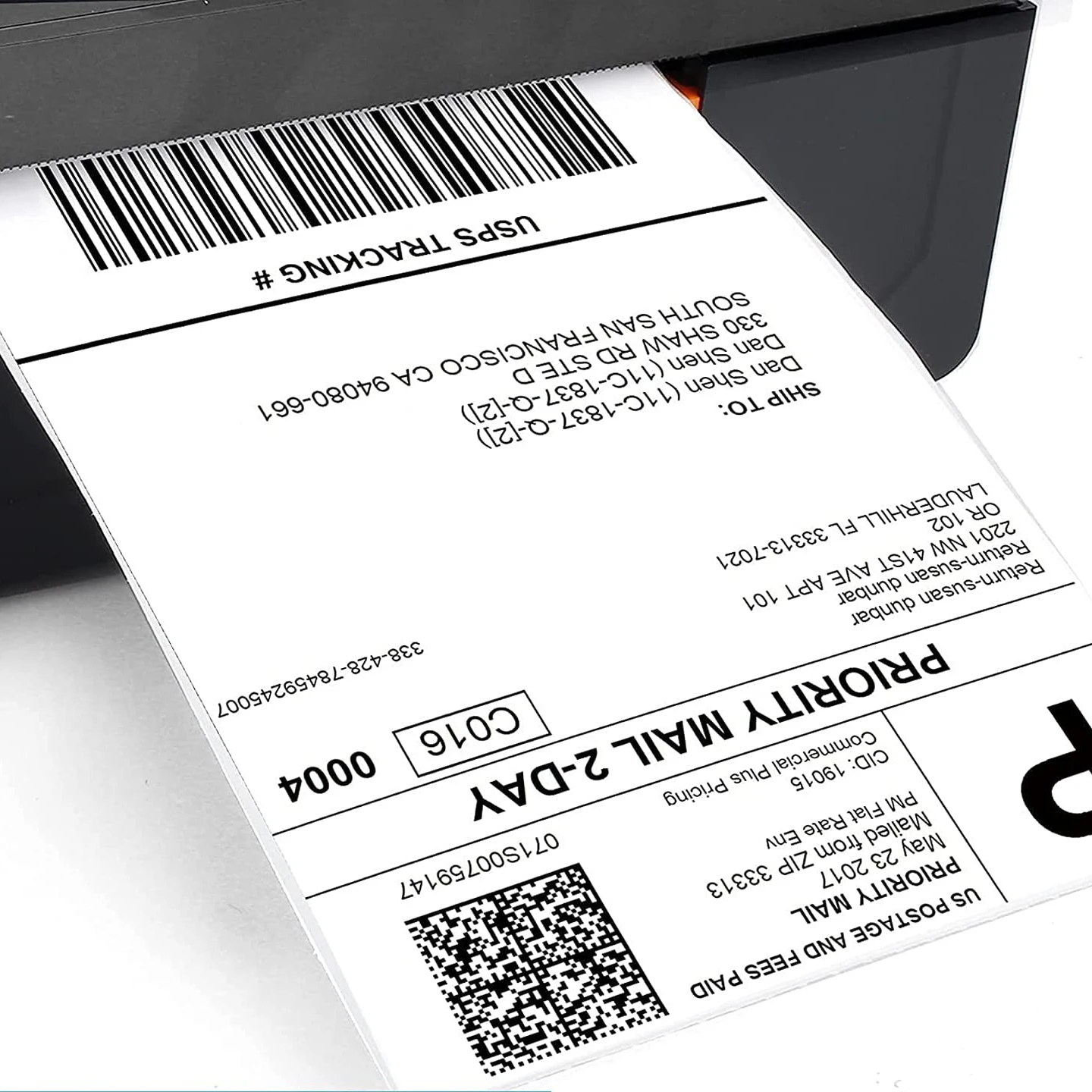
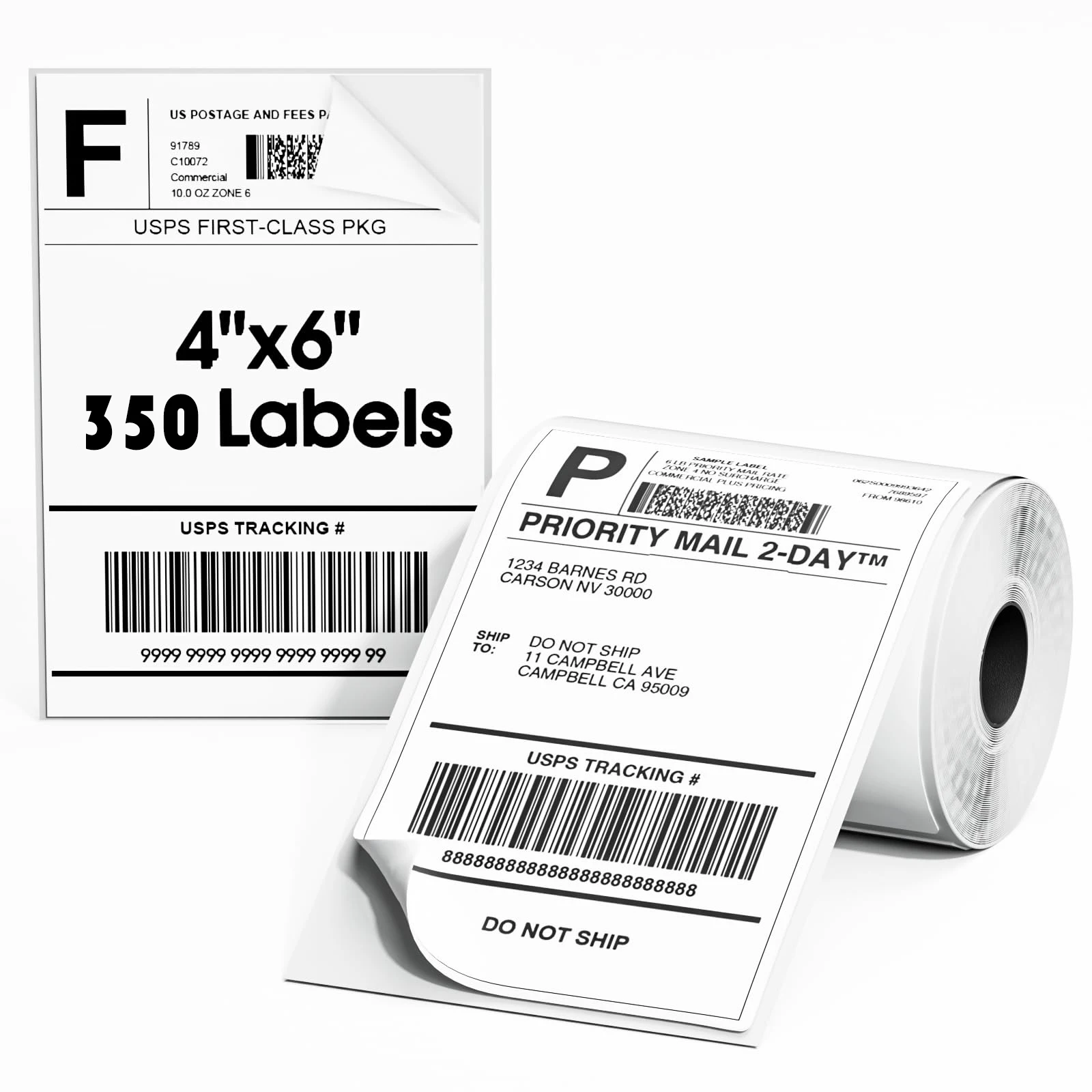
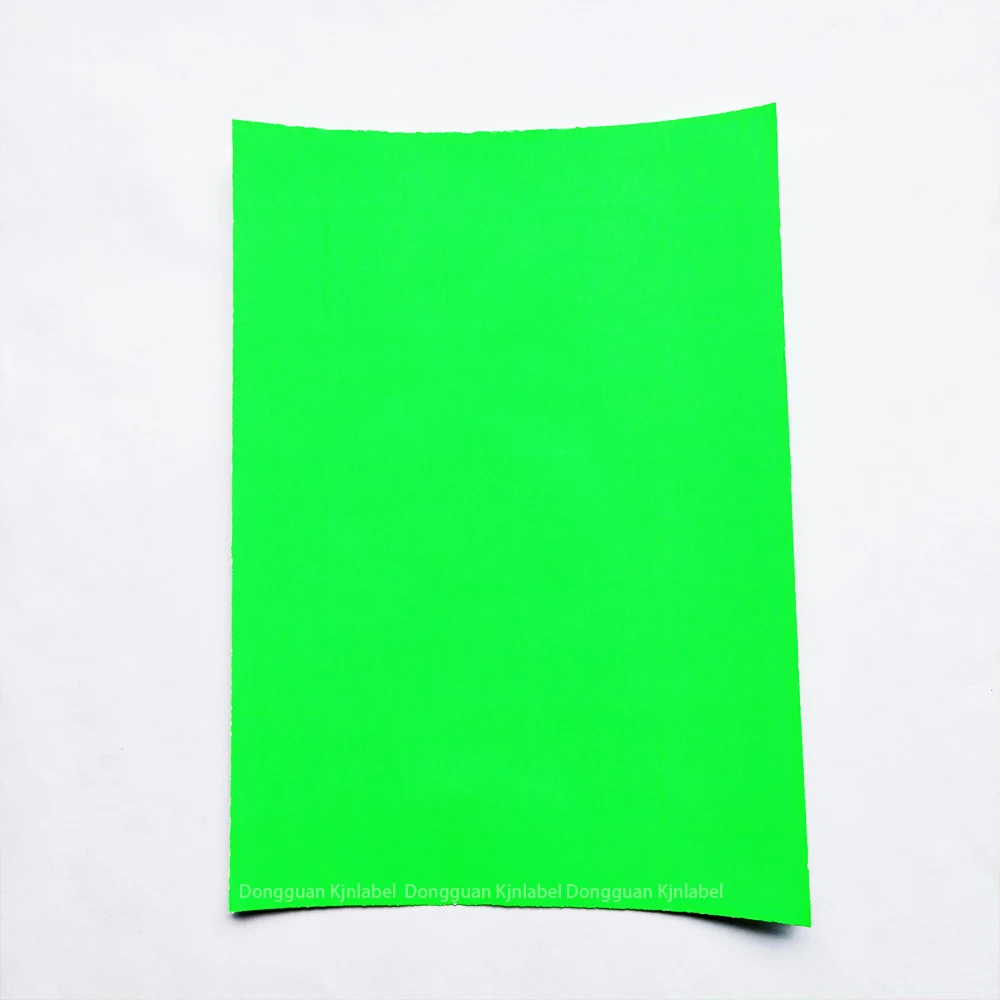
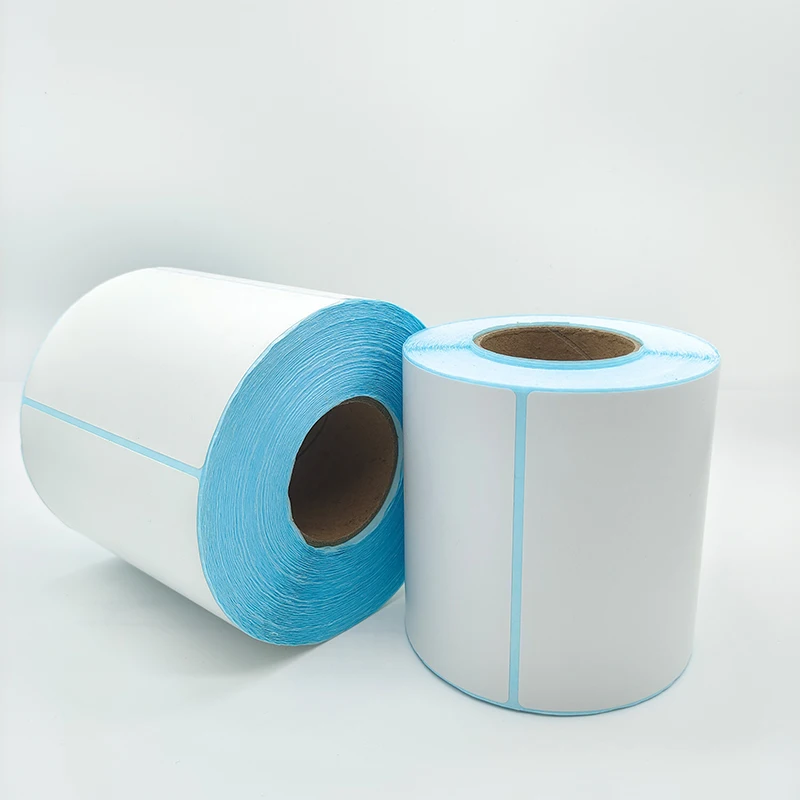
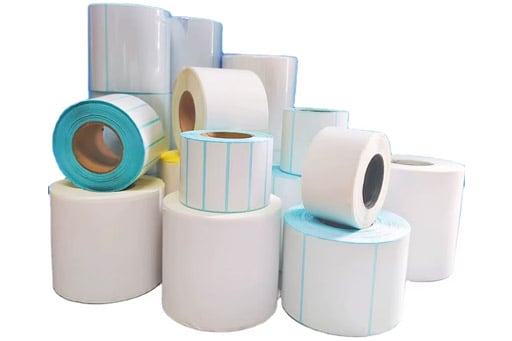
Selecting the right glossy sticker paper is crucial to the foundation of vibrant color printing. Look for paper intended for color printing as it has a glossy coating that evenly smooths the paper to help absorb and reflect color. Make sure it’s appropriate for the type of printing you are using, whether it is thermal, inkjet, or laser. High quality glossy paper, with the right adhesive properties, will also help with the prevention of color bleeding and will help the print to remain vivid over time regardless of humid conditions, light exposure, or other environmental conditions.
In order to get the best possible color printing results, you will need to understand your printer’s settings. Make sure you set the print quality to the highest level and DPI, or dots per inch, level as possible to make sure it will print the finest details and help with color blending. When printing, make sure to select the “glossy paper” or “photo paper” option as these settings help with ink or toner distribution for glossy surfaces. Keep in mind that with thermal printers you will need to adjust temperature and speed to the paper’s specs. If you don’t, you will likely get faded colors and poor printing.
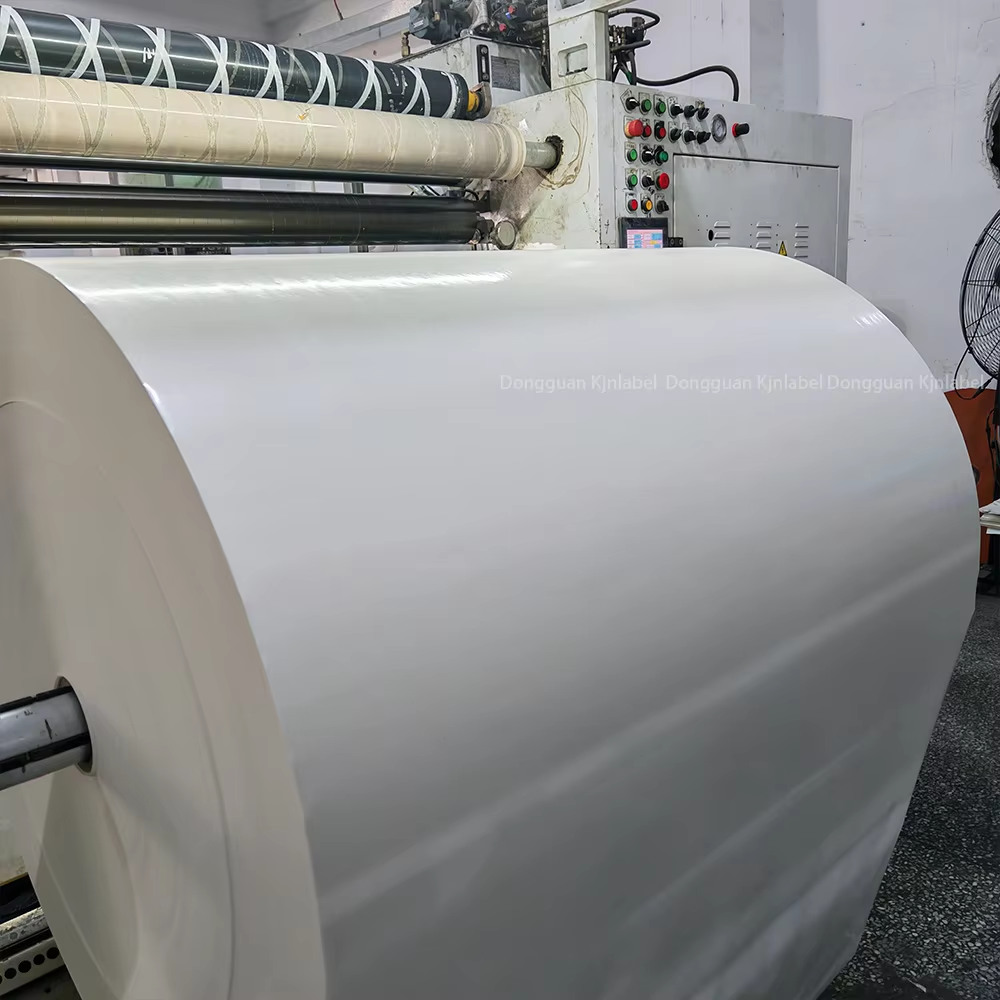
What type of ink or toner used will influence how vibrant and lively the colors will look. When dye and pigment ink options are available, prefer pigment ink. It offers better color retention, is fade resistant, and works better on glossy paper. Use toners with a pat which will melt and bond on the glossy paper surface. Stay as far as possible from cheap generic ink or toners. They are the primary source of washed out colors, smudging, and poor adhesion with coated paper.
Print ready designs must setup and optimize the color profiles. For vibrant and rich prints, set the design file to RGB as it offers a wider color range, much broader than CMYK. Fine tune the color settings on the designed to brighten it and improve visibility. For better results, keep the design simple and uncluttered, colors will pop more. Use bold color and contrasting tones on text or logos. It will stick out on a glossy surface and improve reading and visual impact.
For consistent results, prior preparation of glossy sticker paper is important. To avoid moisture infusion, which leads to warping or inconsistent printing, keep the paper in a cool, dry place. Allow the paper to reach room temperature for at least 30 minutes before printing. Make sure the paper is loaded properly with the glossy side facing the print head. Do not touch the glossy surface with bare hands, as chalky fingerprints will interfere with adhesion of ink and color appearance of the final print.
When printing is complete, preserve the color vibrancy of sheet stickers by refraining from applying the stickers right away. Prints should be allowed to dry fully, otherwise, applying stickers will result in smudging because of wet ink or toner. A clear laminating film can be added over the stickers for extra protection and longevity. This also makes the stickers resistant to scratches, oil and water, and enhances the color vibrancy. To prevent dust from settling, stored stickers should be kept in sealed containers or protective sleeves.
 Hot News
2025-06-01
2025-08-22
2025-08-21
2025-08-20
2025-12-31
2025-12-29

Dongguan Kjnmatech Co., Ltd. provides custom self-adhesive labels, stickers, and thermal barcode solutions for industrial and consumer products. ISO-certified quality, 19+ years of manufacturing expertise, SGS & FSC certified. Request a quote today.
Room 101, No.31 Xinnong Road,Nancheng Street, Dongguan City, Guangdong Province, China
Copyright © 2025 by Dongguan Kjnmatech Co., Ltd. Privacy Policy
 EN
EN